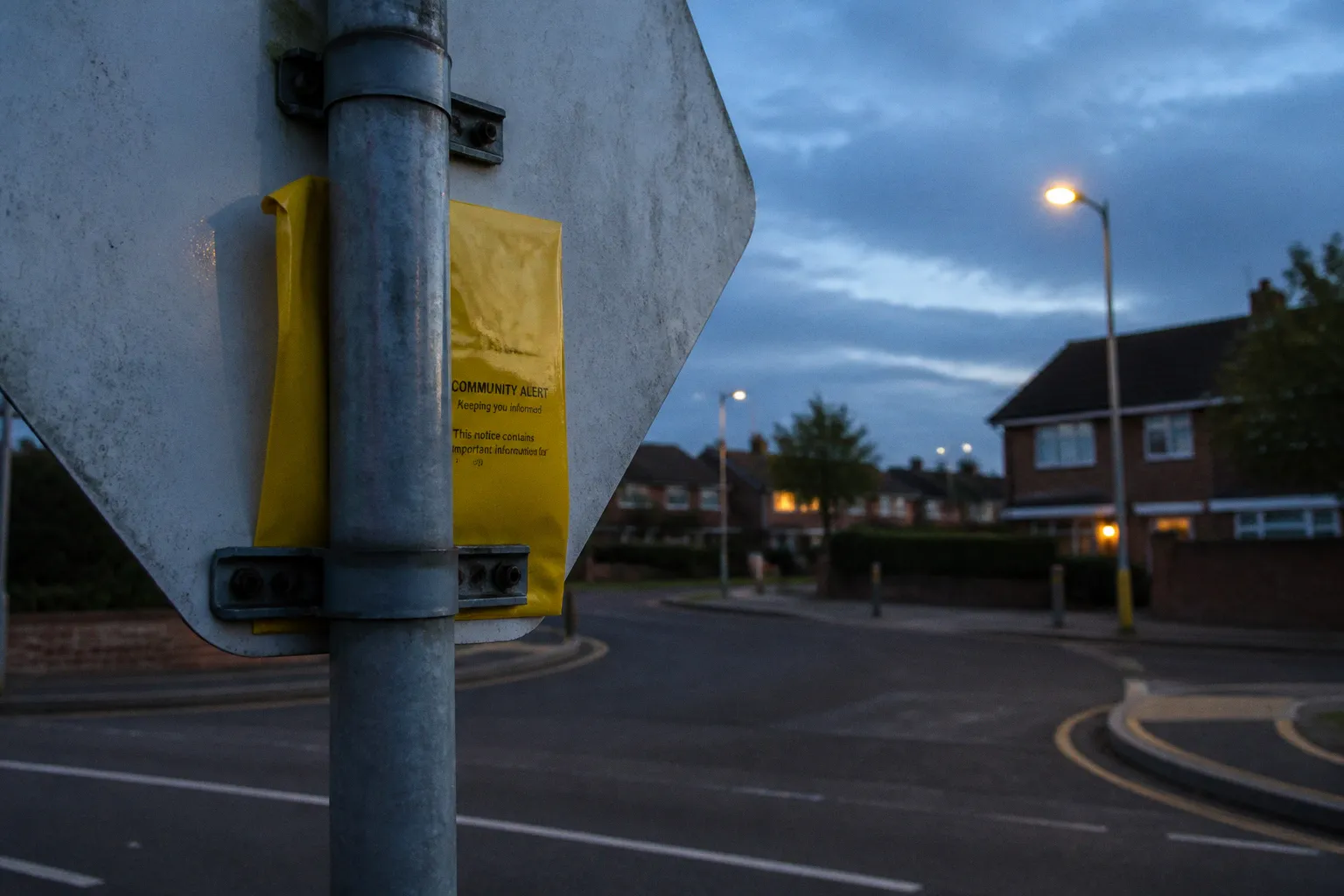
Local safety information is only useful if it reaches people who can act on it. A warning about a distraction burglary, a missing person appeal, a road closure or a local scam has limited value when it arrives long after the relevant street has been affected, or when it is buried in a general social media feed.
My Community Alert is designed to close that gap for residents across the Humberside policing area, including North East Lincolnshire. Operated through a partnership involving Humberside Police, Humberside Fire & Rescue Service and the Humberside Office of the Police & Crime Commissioner, the service sends local safety notifications to registered residents. The subscription is free, and users can choose the subjects and contact channels that suit them.
That makes it useful for people looking for local police updates in Grimsby, neighbourhood notifications in Cleethorpes, or safety information affecting Immingham and nearby communities. It is not a replacement for emergency reporting, and it is not a guarantee that every incident will generate a message. Its role is narrower and more practical: to provide relevant information from local agencies so residents can make better-informed decisions.
Understanding the My Community Alert messaging system
My Community Alert is a structured messaging service rather than a general-purpose social network. Registration links a resident’s location with selected areas of interest. The system can then send alerts that are relevant to the person’s local area and chosen topics.
The geographic element matters. Residents do not need a borough-wide stream containing every message issued across the policing area. A person living in Grimsby may want updates about incidents and engagement events nearby, while someone in Cleethorpes may be more interested in local crime information, road disruption or scam warnings. The service is intended to make those choices possible.
The partnership behind the system also gives it a wider remit than a police-only channel. Depending on the subject, messages may relate to:
- local crime and policing activity;
- missing person appeals;
- scams and fraud warnings;
- road closures, collisions and other disruption;
- police surgeries and neighbourhood engagement events;
- local arrest notices and other public safety updates;
- information connected with wider community safety work.
The exact messages a resident receives depend on the available categories, the location entered during registration and the preferences selected in the account. A subscription should therefore be understood as a filtered information service, not as a live incident map or complete record of everything reported to the police.
That distinction is important when judging what the service can do. My Community Alert can help residents notice a pattern, recognise a relevant warning or find out about a local meeting. It cannot provide continuous surveillance of a street, confirm that a rumour is true or guarantee that an alert will be issued after every individual incident.
My Community Alert is most useful when treated as a local information layer: specific enough to be relevant, but not a substitute for direct contact with the emergency services.
What the alerts are for
The strongest use cases are situations where awareness can change what people do next. A scam warning may prompt someone to question an unexpected caller. A burglary-related message may encourage residents to check that doors, windows and outbuildings are secure. A road closure notice may help people plan a different route. An invitation to a police surgery may give residents a route into a longer conversation about recurring problems in their area.
The service can also reduce reliance on unverified neighbourhood commentary. Social media posts often travel quickly, but they may omit the location, date or status of an incident. An official alert does not remove the need for judgement, but it gives residents a more dependable source for the information covered by the system.
For neighbourhood policing, that connection works in both directions. Residents receive information, while local teams gain a channel for communicating about priorities, appeals and engagement opportunities. It is not the same as reporting a crime, but it can support the broader relationship between a local policing team and the community it serves.
How to customise your local safety notification preferences
The point of registration is not simply to sign up for everything. It is to create a set of preferences that reflects where you live and the information you are likely to use.
During registration, the service asks for a street address or postcode. That information helps establish which local alerts are relevant to the subscriber. The form also provides a choice of subject areas. Selecting categories carefully is worthwhile because an account built around every available topic may become harder to follow.
A resident in East Marsh, for example, may want regular local crime and scam information but have little use for updates from outside their immediate area. Someone who travels through North East Lincolnshire every day may place greater value on road and collision-related disruption. A household with older relatives might prioritise fraud warnings, while a parent or carer may find missing person appeals particularly important.
The useful question is not which categories sound serious. Nearly all of them can matter at the right moment. The better question is which information is most likely to affect your household, your route through the area or the people you regularly support.
A workable preference profile usually has three parts:
1. A location that remains accurate. The address or postcode is central to the relevance of the alerts. If you move, update the details rather than continuing to receive information for a previous neighbourhood.
2. Topics connected to your actual concerns. Choose the categories you are prepared to read and act on. A smaller set of relevant alerts is often more useful than a large volume of messages that quickly become background noise.
3. A delivery channel you will notice. The most suitable option is not necessarily the fastest in theory. It is the one you check and can access reliably.
Preferences can change. A person might initially subscribe because of concern about anti-social behaviour, then later decide that scam alerts and community meetings are more relevant. Another resident may need to reduce the number of messages for a while without leaving the service altogether. The settings function is there for those changes.
Avoiding alert fatigue
Alert fatigue is not a reason to dismiss the service, but it is a reason to configure it properly. When every category is selected, the important message can become indistinguishable from routine information. That is particularly unhelpful with scam warnings, missing person appeals or updates connected to an issue close to home.
A more disciplined approach is to begin with the categories most relevant to your household. After using the service for a period of time, you can decide whether another topic is worth adding. The same process works in reverse: if a category repeatedly feels irrelevant, remove it rather than allowing the messages to accumulate unread.
This is a small administrative decision, but it affects whether the service works in practice. Community alerts only improve awareness when people still pay attention to them.
Managing your contact channels: email, SMS and voicemail
My Community Alert allows subscribers to choose how they receive notifications. The available options described for the service include email, SMS and voicemail, with email presented as the default channel. The right choice depends on how a resident manages information rather than on a universal hierarchy of speed.
Email is generally the least intrusive option for routine updates. It gives the subscriber a written record and makes it easier to read the full message, check the location and return to the information later. It can work well for people who already monitor their inbox throughout the day.
The weakness is obvious: an email can be missed. Notifications may be grouped, filtered or left unread, particularly when a household receives a high volume of other messages. Email is therefore most effective when the account is checked regularly and the sender’s messages are not treated as disposable bulk mail.
SMS
Text messages put an alert closer to the person’s immediate attention. This can be useful for residents who do not check email frequently or who prefer short notifications on a mobile phone. It also removes some of the friction involved in opening an inbox and searching for a particular message.
SMS is not automatically better for every situation. A text may contain less context than a full email, and the recipient may still need to follow up through another channel to understand what is happening. Mobile network and plan conditions can also vary, so residents should consider how text delivery fits their own arrangements.
Voicemail
Voicemail can be useful for people who prefer spoken messages or who find written alerts difficult to manage. It may also suit households where a phone call is more likely to be noticed than an email.
As with SMS, the important issue is reliability. A resident should choose a number that is current and regularly accessible. An old or shared number can make the channel less useful, especially if the person who receives the message is not the person who needs to act on it.
| Channel | Where it can work well | Limitation to consider |
|---|---|---|
| Reading full information and keeping a written record | Messages can be missed in a busy inbox | |
| SMS | Drawing attention to a notification on a mobile phone | The message may provide less context than email |
| Voicemail | Receiving information in an audio format | The chosen number must remain accessible |
| More than one channel, where available | Households that need additional visibility | More notifications can increase distraction |
The service is free to subscribe to. That is the relevant financial point for residents deciding whether to register. Delivery arrangements can still depend on the contact method selected and on the recipient’s own phone or data plan, so it is sensible to choose a channel that is both practical and manageable.
The boundary between community alerts and emergency reporting
The most important limitation is also the easiest to overlook: an alert service is not an emergency reporting route.
A message from My Community Alert may describe an incident or ask the public for information, but replying to that message is not the same as requesting an immediate police response. Some email alerts may allow replies or contact with a local neighbourhood policing team. That can be useful for non-urgent communication, community intelligence or questions about a local issue. It should not be used to report an emergency.
Use the established routes according to the situation:
- 999 is for an emergency, an active crime, immediate danger or a situation in which someone’s safety is at risk.
- 101 is for non-emergency police contact, including reporting a crime that has already happened or providing information that requires police attention.
- Crimestoppers can be used by people who want to provide information anonymously.
The distinction is not merely administrative. An email inbox or alert-reply function is not designed to replace the rapid assessment and deployment process attached to an emergency call. If an incident is happening now, waiting for a response to an alert message can create an avoidable delay.
The same caution applies to suspicious activity. A resident may see something that appears relevant to a recent local warning, but the response should be based on the circumstances in front of them. If there is immediate danger, call 999. If there is no immediate threat but the information may assist an investigation, use 101 or another appropriate reporting route.
A community alert can tell you what has been happening nearby. It cannot take the place of reporting what is happening now.
Updating your profile and opting out of the service
People’s circumstances change, and a useful alert account has to allow for that. A resident may move from Grimsby to Cleethorpes, change their mobile number, develop a stronger interest in scam information or decide that fewer notifications are needed. Continuing with an unchanged profile can reduce the relevance of the messages.
My Community Alert emails include a change-settings link. Through that link, subscribers can review and adjust their preferences. Depending on the account and available options, this can include:
- adding or removing alert categories;
- changing the preferred contact channel;
- updating address or postcode details after moving;
- checking whether the current contact information is still correct;
- opting out of future alerts.
The opt-out option matters because subscription is voluntary. A resident may decide to stop receiving messages altogether, or may first try narrowing the categories to reduce the volume. Those are different choices: changing settings preserves access to selected local information, while opting out ends the subscription.
It is worth checking the account after any move or change of phone number. Location is part of the service’s relevance model, and contact details determine whether a message reaches the intended person. The same principle applies to a household that shares responsibility for local safety information. Everyone involved should understand which account is active and which channel is being monitored.
For people who have stopped using the service, opting out is cleaner than simply ignoring messages. For people who still want local police updates but find the volume excessive, refining the preferences is the more proportionate step. The settings link gives residents both options without requiring them to treat the original registration as permanent.
What the service adds to neighbourhood policing
Community alerting cannot create more officers, extend patrol hours or resolve every issue raised by residents. Its contribution is informational. It helps local agencies communicate at a scale that physical neighbourhood contact cannot always match, while giving residents a clearer basis for deciding when to secure property, share information, attend an engagement event or report a concern.
That contribution is easy to undervalue because it is not dramatic. An alert will rarely feel like a complete solution. It may instead prompt a small action: checking a caller’s identity, warning a neighbour about a scam, allowing extra time for a disrupted journey or passing useful information to the police through the correct channel. Repeated across a street or neighbourhood, those actions support the preventative side of community safety.
The system is also most effective when residents resist two opposite assumptions. The first is that an alert means danger is everywhere. The second is that no alert means nothing is happening. Neither follows. Messages reflect the information selected for publication and the preferences attached to an account; they are not a complete measure of crime or risk in a community.
For residents in North East Lincolnshire, the sensible position is more measured. Use My Community Alert as one source of local awareness. Read the messages that match your area and concerns. Adjust the categories when they stop being useful. Keep the emergency and non-emergency reporting routes separate.
A practical local information layer
The case for the service is straightforward: it is free to join, it covers a range of local safety subjects, and it allows residents to choose how much information they receive and where it is delivered. That is enough to make it worthwhile without presenting it as a comprehensive security system.
People searching for a My Community Alert North East Lincolnshire sign-up route are not signing away responsibility for their own judgement. They are choosing to add an official local information channel to the ones they already use. Residents looking for local police updates in Grimsby or Humberside Police neighbourhood notifications can use the same system while keeping clear boundaries around reporting and emergency response.
The best configuration is usually the one that will still be used several months after registration: an accurate location, a focused set of categories and a contact channel that is checked consistently. When circumstances change, the profile can be updated. When the service no longer fits, the subscriber can opt out.
That is the real value of community alerts. They do not replace policing, and they do not turn a notification into protection by itself. They make relevant information easier to receive, easier to act on and easier to connect with the wider work of keeping streets and neighbourhoods safer.